My Workflow
In a nutshell
Spend time designing the project. Then keep the automated coding on track using many automated reviews of different types. The first part (designing) is a creative exercise. The second part is an engineering exercise. Instead of coders making code, they now make the automated workflows for the AI so it stays on track.
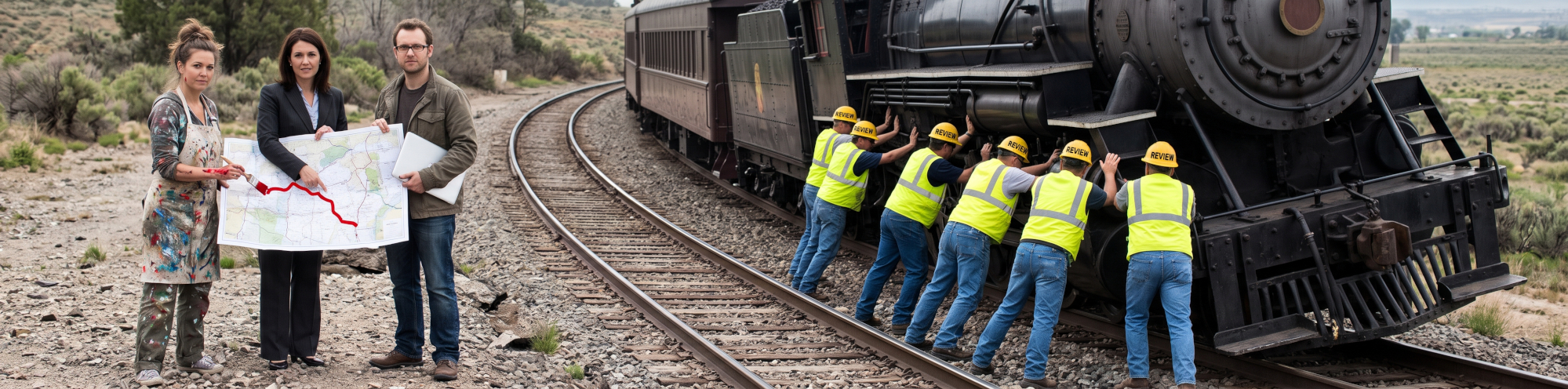
In the image above, the right side with the train and the multiple reviews illustrates the workflow. The train is the AI. The reviewers are also AI, (a part of the workflow which ensures that the AI does the coding well), and the tracks are the intended destination as determined by the design work of the three on the left.
This AI paradigm shift helps to get the designer, PM, architect, and software designer (all the creative brains) talking to each other. This part of the work becomes far more human, instead of us being somewhat disconnected.
While the software devs used to write code, they now will be honing down and fine-tuning the workflow which keeps the AI on track...
The two sides of the "new" software engineering process using AI:
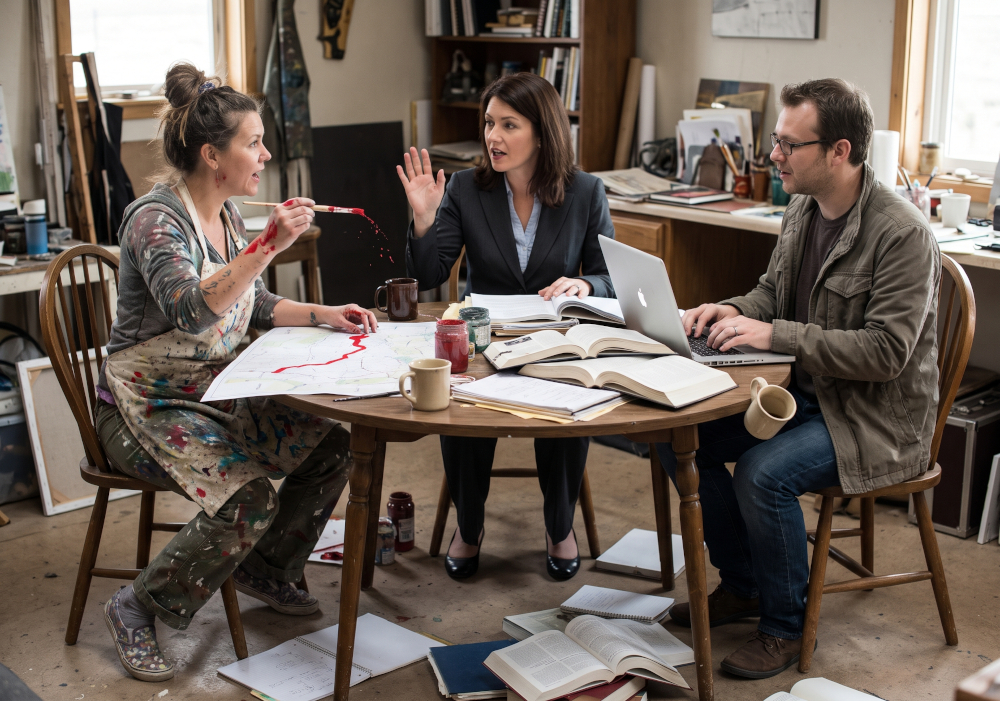
- On the left: designing, creating, architecting, structuring - this is people talking, writing, thinking, discussing. Using AI only for research but writing it, drawing it, recording it themselves. Creative writing applied to software engineering. People doing what people do best: creating.
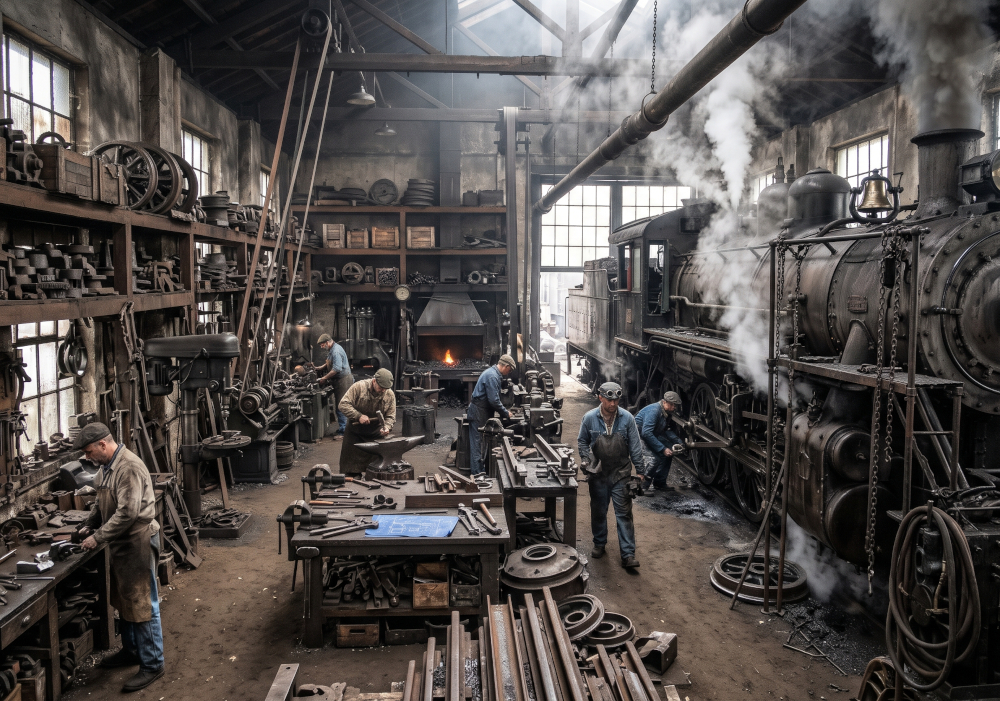
- On the right, the workshop that engineers the workflow which constricts, keeps on track, auto-reviews, codes, and tests software created and reviewed entirely by AI. But people make the workflow. Again, people doing what people do best: directing, controlling, positioning, and teaching the machine.
This is people being in control, and the machine doing the hard work. Sounds good to me.
The details:
How you use AI may be very different from mine. I'm using it to write computer code, and I constrain it in ways specific to coding. But the same principles will apply to all applications of AI, so please take inspiration from what I've discovered.
The main principles
Put a lot of effort into getting the design right before worrying about the details of the implementation. For example, designing the OAuth service well matters far more than choosing between middleware options, or deciding how reusable the code will be. (By "designing the OAuth service well", I mean everything to do with users, client ID/secrets, tokens, well-known endpoints, OBO exchange, etc.)
Agonise, go slow, get it checked (reviewed), and make sure that anyone who needs to sign off on it has all the info they need, in a form that is easily readable and nicely presented for them.
If we get the design right, and have a robust coding workflow, the AI will most likely get the code right and the human code review will be used to catch things that slipped through the gaps in the design phase.
This all hinges on two things:
- getting the design right, and
- having a very robust coding workflow for the LLM that ensures code quality.
I.e. We become designers (and engineers of AI skills) rather than traditional coders. The LLM is the coder.
The design phase
At the start of the design phase, I would already have a vision of the overall project in mind: the conceptual architecture, design proposals and potential solution options. However, the whole thing will be too big for the LLM to deal with. I first work on getting the high-level design written into files and diagrams. It is information I will refer to later.
Important
The following are all creative tasks:
- Product design, describing what the product will solve
- UI/UX design
- Software architectural design
- System design, including weighing trade-offs.
You would of course use the AI as an assistant (you'd be in dialogue with Claude Code for example) to help get the design right. However, the design should be written by you (not by AI), because it is a creative process. (We excel at being creative, AIs don't.)
Human review of the design matters far more than human review of the code, and the design exercise is an iterative conversation involving me, my colleagues, and the LLM. We check each proposal. This process can take hours, sometimes days.
I have not written up a workflow for this design phase, because our creativity would be stifled if we are constrained by a workflow. We need to be free to think. I use the LLM during this phase as a research assistant, but the LLM will not generate the design.
If you are not the Product Designer or UI/UX designer, get their design documents, which will probably contain images. Put the images along with your own markdown files (and perhaps exported markdown and images from Notion) in the same directory. Then tell Claude to read the files and look at the corresponding images in the directory to extract this design into code. (The images need to be files so that Claude Code can use its computer vision ability. If the images are embedded in a text file (like Markdown) it will skip over the image.)
Find a starting point
In my head I break the high-level design into its constituent parts, then find a good starting point. I usually start with an API shared by the front end, back end and external clients. However, what I start with depends on the project. As an initial pass, an API can be written as code, with stubbed implementations. That gives me a foundation to build on.
Review the implementation direction
A lot of the "review of the design" is really me in dialogue with the LLM. I find myself checking what it is suggesting and agreeing, disagreeing, or changing direction.
Then when I have concluded the design, I can let the AI go for it.
The rest can be automated via a workflow skill
I use this principle: Don't give the LLM too much to do at once. E.g. use TDD and tell it to first map the design specification to failing tests and code skeletons. That lets it focus on making sure the design is honoured in the tests, without having to write code yet. Similarly, break the work up into cycles to keep the load for each step smaller.
The first step is one I call "start work", and point the LLM at one part of the design (usually a README or a directory containing markdown and images). The start work skill does the following:
- Understand the request
- Plan a breakdown of the work
- Obtain approval of the plan and breakdown
The next step is Test Driven Development. Before describing the steps, I explain what a "false positive" is and how to score issues found in a review. Then I tell it to work through the breakdown one cycle at a time, as follows:
- Review the design
- Write code skeletons and failing tests
- Review the tests to make sure they cover every aspect of the design
- Implement the code
- Lint and review the code
At work versus at home
My process at work is far stricter than what I use at home. I have an extra adversarial review, security review, downstream review, and a final PR Overview step, which takes a look at the work with fresh eyes and writes up the PR description. Interestingly, this step sometimes finds issues. By the time the LLM has finished reviewing the code, it is much less likely that a human review will find anything significantly wrong.
Unfortunately, what mainly happens in the human code review is that someone spots something that was missed in the initial design. This highlights the need for good human review of the design before any work starts, because fixing the design afterwards is a lot harder. However, it is often only when the code is there in front of you that you see the problem in the design. I've experienced the same in my home project: I change the design after the LLM has finished coding when I realise my error.